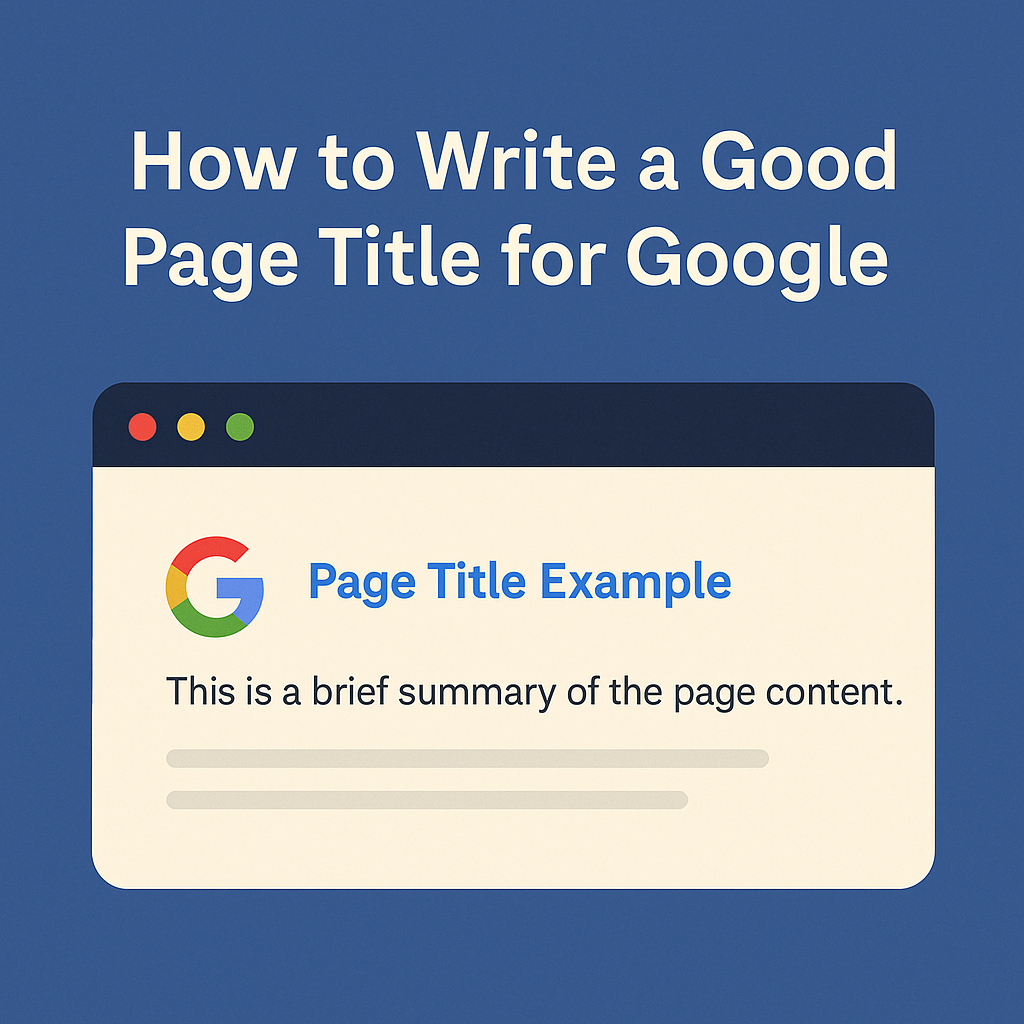
A page title (also called a title tag) is one of the most important elements of on-page SEO. It tells Google what your page is about, influences your rankings and appears as the blue clickable headline in search results. A clear, well-written page title can dramatically improve your visibility and click-through rate.
This guide explains how to write a strong page title, what Google looks for, and the common mistakes to avoid.
What Is a Page Title?
A page title is the HTML title tag that appears in three places:
- Google search results
- Browser tabs
- Social media previews (unless overwritten)
It should clearly describe what the page contains and help users decide whether to click.
Why Page Titles Matter
- They directly influence SEO. Google uses page titles to understand the main topic and intent of the content.
- They affect click-through rates. A compelling title gets more clicks, which improves organic traffic.
- They help your site appear more professional. Consistent, clear titles improve trust and user experience.
How to Write a Good Page Title
1. Keep It Between 50 and 60 Characters
Google typically displays around 50–60 characters before cutting off the text. Aim for clarity and brevity.
2. Put the Main Keyword Near the Beginning
Make it easy for Google (and humans) to understand what the page is about. For example:
“Web Design Services for Small Businesses | Company Name”
3. Make It Clear and Descriptive
Users should instantly understand what the page contains. Avoid vague or generic titles like “Services” or “Home.”
4. Avoid Keyword Stuffing
Repeating keywords makes titles look spammy and harms click-through rates. Google prefers natural, helpful wording.
5. Use Branding at the End
Adding your brand name improves recognition without dominating the title. Example:
“SEO Tips for Beginners | Inkfire”
6. Match the Page Content
If your title promises one thing and the page delivers another, Google may rewrite the title—and users may leave quickly.
Examples of Good Page Titles
- “How to Start a Blog in 2026 | Step-by-Step Guide”
- “Affordable Web Design for Local Businesses | Inkfire”
- “Divi 5 vs. Elementor: Full Comparison for 2026”
- “Chronic Illness Tips for Everyday Life | Mali & Me”
Common Mistakes to Avoid
- Using the exact same title across multiple pages.
- Writing titles that are too long and get cut off.
- Filling titles with keywords or unnecessary punctuation.
- Using clickbait—this harms user trust and increases bounce rate.
How to Add a Page Title in WordPress
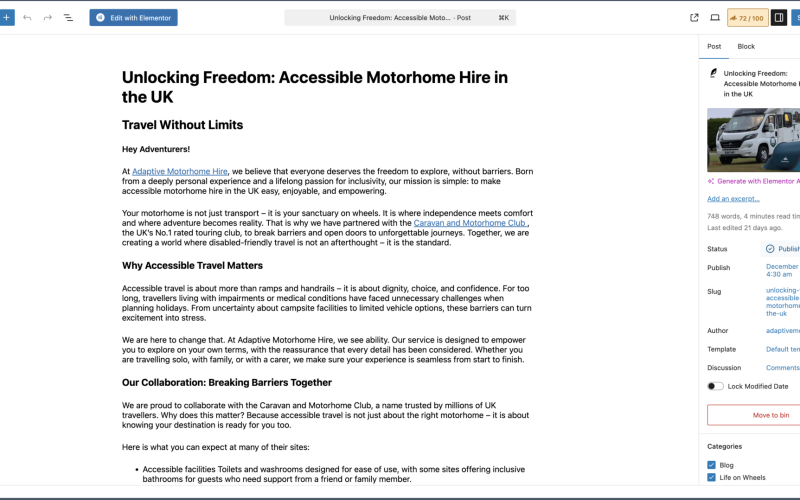
You can add or override page titles using SEO plugins such as Rank Math, Yoast or SEOPress. Under the “SEO Title” or “Title Tag” field, enter your custom text and preview how it will appear in Google.
Final Thoughts
A good page title is short, clear and focused on the exact topic of your content. It tells both Google and your audience what to expect, helping your page rank higher and attract more clicks. When every page on your website follows these principles, your overall search visibility improves dramatically.