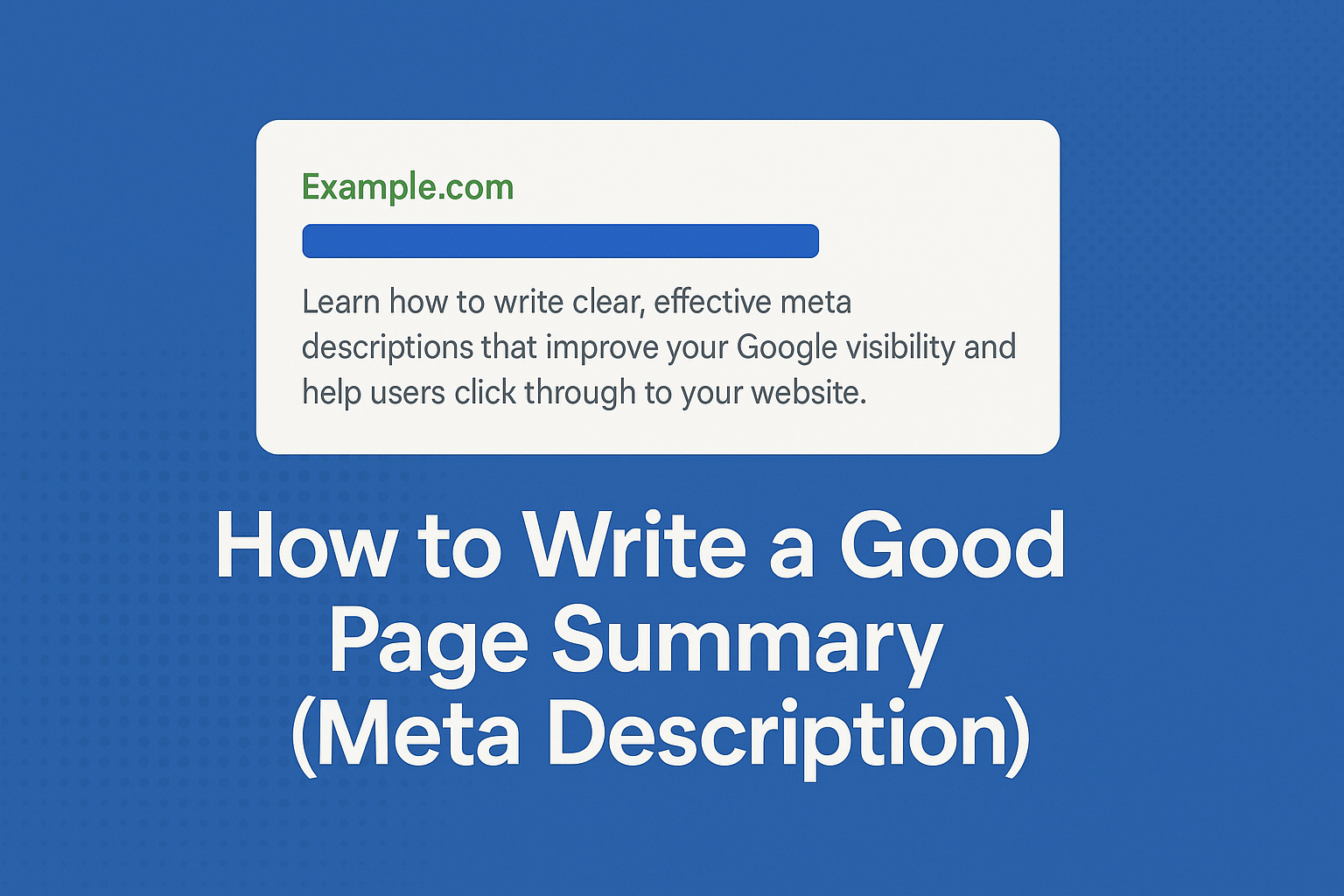
A meta description is the short summary that appears under your page title in Google’s search results. It does not directly increase rankings, but it has a huge influence on whether people click through to your website. A strong description can double your click-through rate, improve visibility and help Google understand the purpose of your page.
This guide explains what a meta description is, why it matters, and how to write one that actually helps you get found on Google.
What Is a Meta Description?
A meta description is a short sentence or two (usually between 120 and 155 characters) that explains what the page is about. It should be clear, accurate and written in a natural, human-friendly way. Google may rewrite your description if it thinks another section of your page is more relevant, but providing a strong one yourself gives you much more control.
Why Meta Descriptions Matter
- They influence whether people click your page. A good description can encourage more traffic even if your ranking is lower.
- They help Google understand your content. This supports better matching with search intent.
- They improve accessibility. Clear summaries help screen readers and assistive technologies describe your content accurately.
- They reinforce your brand voice. A consistent style across all pages builds trust and professionalism.
How to Write a Good Meta Description
1. Keep It Between 120 and 155 Characters
If it is too short, you waste valuable space. If it is too long, Google may cut it off. Aim for one clear, concise sentence.
2. Explain the Page’s Purpose Clearly
Tell the user exactly what the page includes. Avoid vague or generic writing. Clarity increases trust and click-throughs.
3. Use Keywords Naturally
Include the main phrase people would search for, but write it in a way that feels normal and useful. Avoid keyword stuffing.
4. Focus on Benefits, Not Just Facts
Instead of only describing your content, tell the user why they should read it. What problem does the page solve? What will they gain?
5. Match Search Intent
If someone is looking for a tutorial, say it is a tutorial. If they want a service, highlight what you provide. Intent matching increases relevance in search results.
6. Use a Clear Call to Action (Optional)
Phrases like “Learn how,” “Discover,” “Find out,” or “Explore” can increase engagement when used naturally.
Good vs Bad Examples
Bad Meta Description
“We offer great services and have many years of experience.”
This is vague, generic and does not match any specific search intent.
Good Meta Description
“Learn how to write clear, effective meta descriptions that improve your Google visibility and help users click through to your website.”
This is specific, helpful and clearly tied to the page topic.
Common Mistakes to Avoid
- Using the same meta description on multiple pages.
- Writing descriptions that do not match the content on the page.
- Stuffing keywords unnaturally.
- Using overly salesy or clickbait wording.
- Leaving the field blank and hoping Google picks a good sentence.
How to Add a Meta Description in WordPress
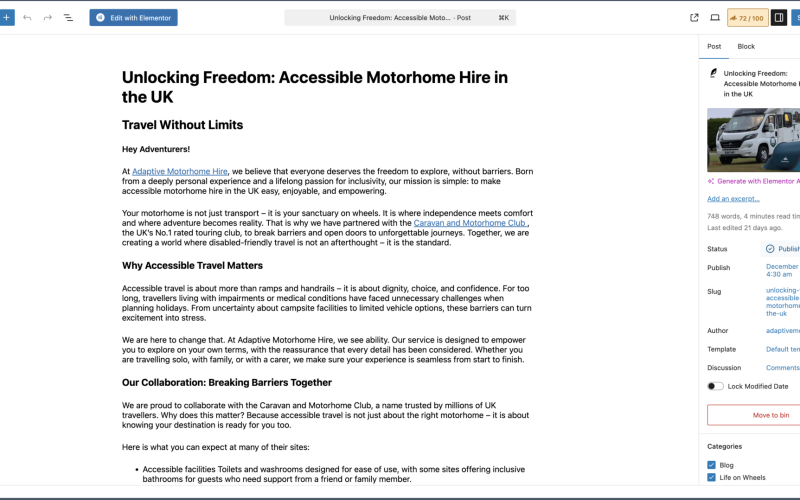
The easiest way is through an SEO plugin such as Rank Math, Yoast or SEOPress. Each plugin provides a field labelled “Meta Description” under your page settings. Simply paste your text into that field and the plugin will handle the technical side.
Final Thoughts
A good meta description will not magically push you to the top of Google, but it will help more people click through, understand your content and trust your brand. Clear, human-friendly writing is the key to stronger visibility and better SEO performance.